Each tile is drawn by code from a few parameters, and the content is made up for the demo. In the script you name a scene, give it some words and numbers, and say which spoken word each element appears on; the visual then moves to the timing of the voice. Tiles play as you scroll to them.
All are drawn here in one palette (lecture-light) so they are easy to compare. Each shows only its most basic use.
seed_dotOpening hook: a dot drops in, breathes, and jumps on the key wordsplit_duelTwo dots in a split screen, trading movescoverEpisode title card, with room for a host in the cornerburst_titleClimax: the screen dims, then big type bursts on the wordexchangeTwo sides trading blows on one boardphotoA photo as the visual, with a push-in and a captionobject_drawClosing: an object drawn stroke by strokestat_countOne key number that counts up when it is spokentimelineA timeline whose markers appear as each date is spokencompareTwo columns side by side, with the verdict marked at the endcountdownA clock runs to how long it took, with a progress bargrid_hotCells appear one by one, then one lights upcreditsEnd credits scrolling up group by groupbarsBar chart: each bar grows when its label is spokenline_chartLine chart drawn as far as the narration has reachedpiePie chart opening slice by slice, legend on the rightformulaOne line of large type for a formula or a causal chainbreakdownOne quantity split into parts, with a second level if neededlist_revealA list revealed one item at a timemap_routeA route drawn stop by stop on a simple mapflowHow something flows: nodes and links appear in orderrelationWho is connected to whom: name tags appear, lines are drawnweb_evidenceA screenshot of a real page with the key passage highlightedve_annotateA generated shot freezes midway and gets circles and arrowsquote_cardA full-screen quotation with its source, and an optional photomerge_bubbleOne bubble swallowing anotherscreen_stepSteps marked one at a time on a screen captureThe palette is one field in the script ("theme"). Change the name and rerun: background, type and accent colors change across the whole film, and the timeline stays the same. The last five also change the shape of the cards and the texture of the ground.
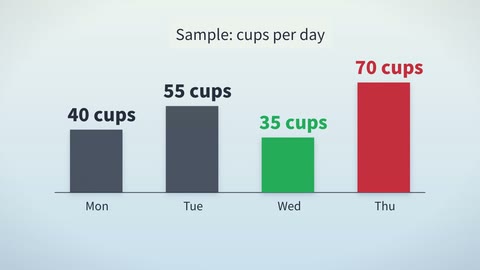
lecture-lightLight
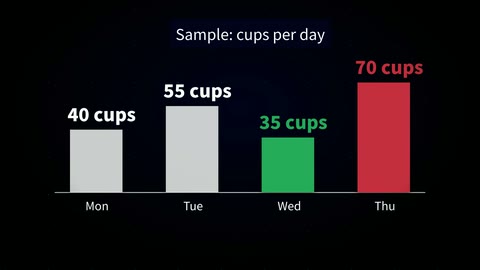
lecture-darkDark
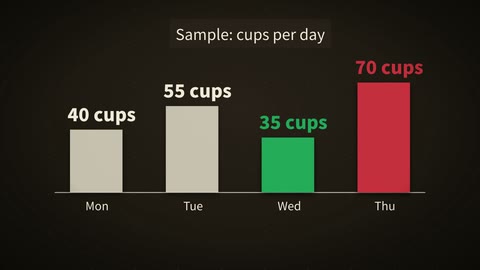
lecture-storyStory
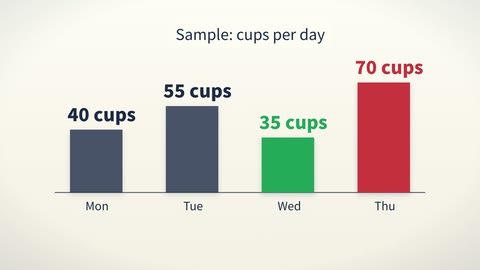
lecture-financeFinance
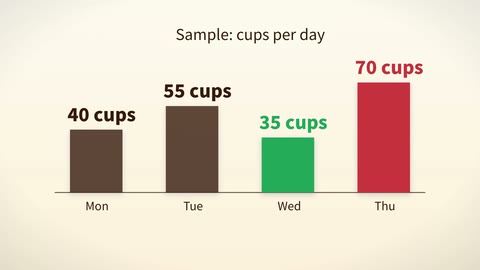
lecture-foodFood
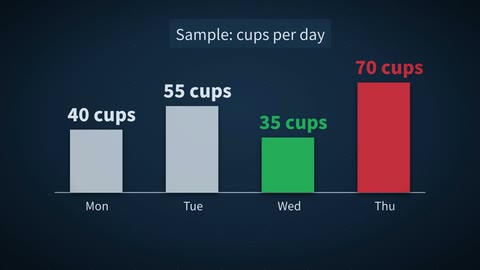
lecture-techTech
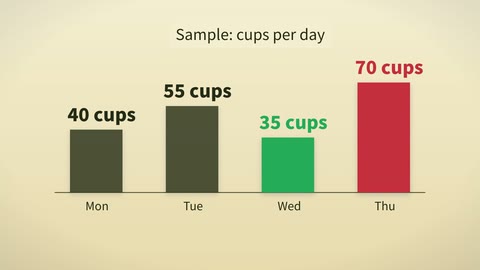
lecture-historyHistory
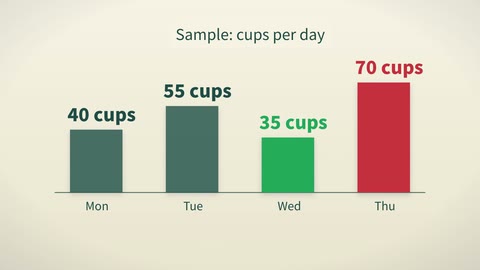
lecture-faithFaith
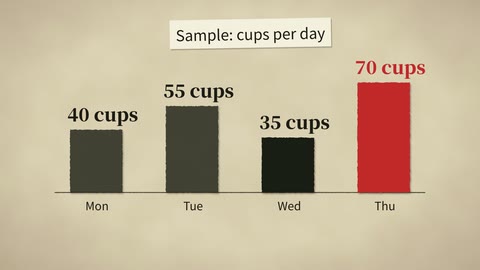
collagePaper collage
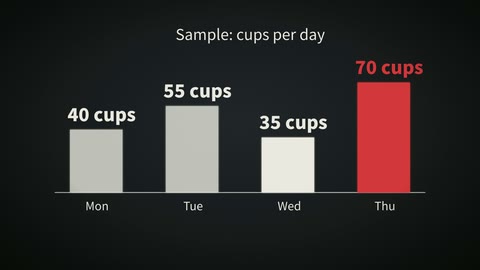
liveLive footage
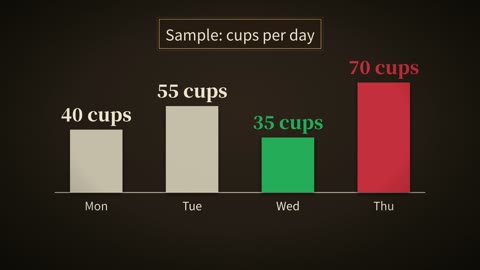
dark-goldDark gold
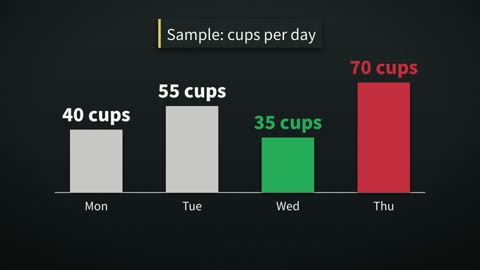
newsroomNewsroom
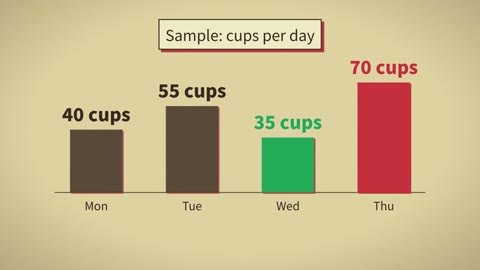
vintage-posterVintage poster
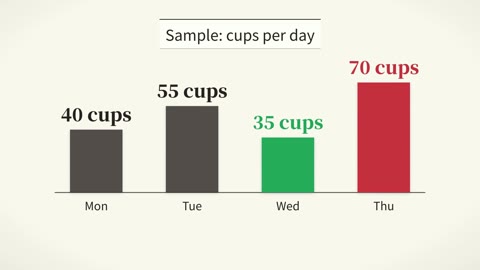
editorial-serifEditorial serif
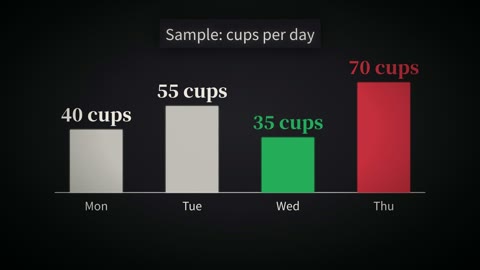
cinematic-darkCinematic darkScenes and palettes are the parts; below are the kinds of film built from them. The flow and rules for the first four are in this project. The last two are the author's own series, made with this toolkit plus scripts specific to each series, and the project has no ready-made template for them.
A host plus code-drawn lists, charts and text highlighted passage by passage. Uses the lecture palettes.
Paper-collage visuals, photos and generated shots intercut, carried by narration. Used for current affairs and history.
Watch one (English)Drama and action films that are generated end to end take a different flow: a shot table first, then prompts for VideoExpress, with rules for 12 visual styles. The returned shots are cut into a film with dialogue, subtitles and music, or sent to Concat for you to adjust.
Watch a short drama (English)The same parts at greater length: host, paper-cut generated shots, photos, quote cards and comparison tables, about six minutes.
Watch one (Chinese)A one-minute vertical short with a book-page layout and narration, one a day, scheduled a month at a time.
Watch one (Chinese)A recurring fictional character talking to the camera, made entirely of generated shots, as a teaser for the long film.
Watch one (Chinese)